

Download the free beta
This is the whole application rather than a trimmed-down trial, and it stays free through
every beta release up to v1.0 — no account and no card. Install it on two machines and they
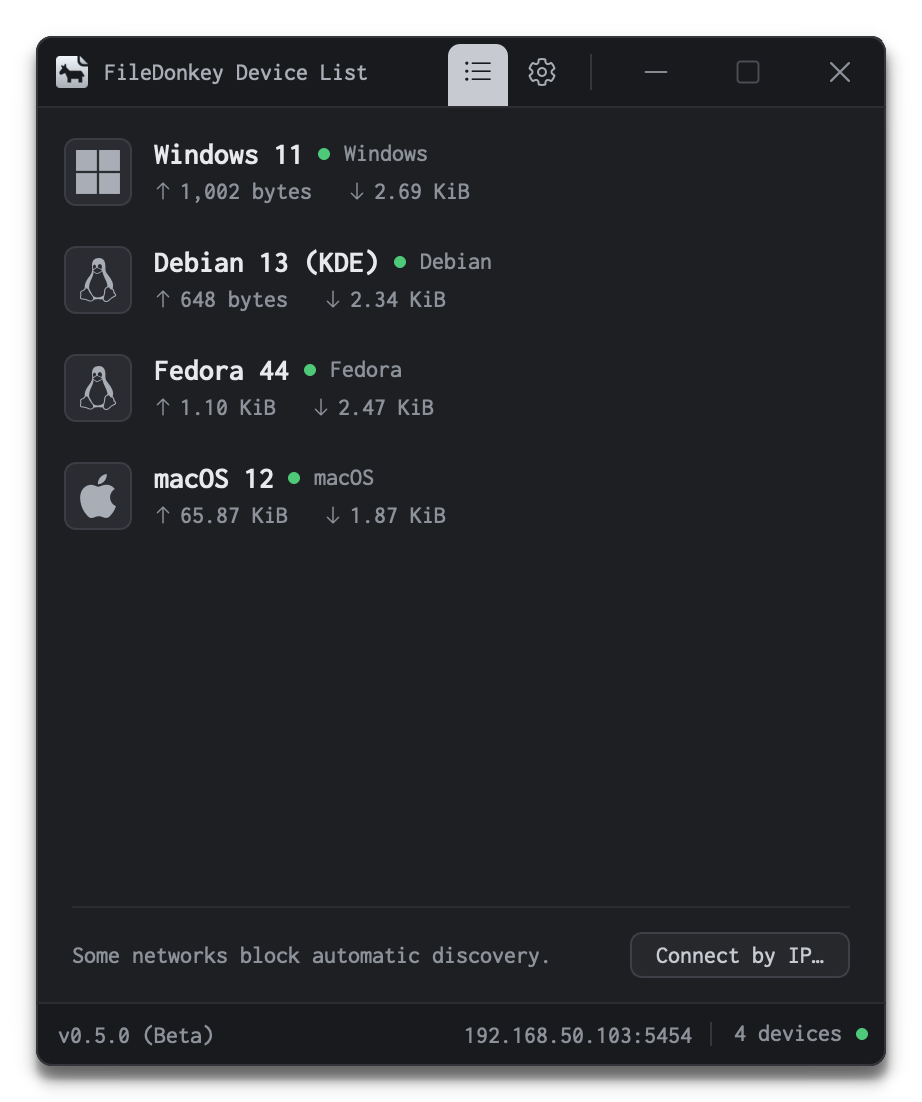
will find each other on their own.


v0.5.0 Beta · 64-bit builds. The macOS package runs on both Intel and Apple silicon.
Next steps on Windows
- 1 Open Run the file you just downloaded. Windows Defender SmartScreen flags installers it has not seen before — click More info, then Run anyway.
- 2 Install Follow the setup instructions and install the app on your system.
- 3 Launch FileDonkey launches on its own once the installation is complete.
Next steps on macOS
- 1 Open Double-click the package you just downloaded. If macOS says it cannot verify the developer, open System Settings → Privacy & Security and click Open Anyway.
- 2 Install Follow the installer and enter your Mac password when it asks for one.
- 3 Launch Open FileDonkey from Launchpad or your Applications folder.
Next steps on Linux
- 1 Open Double-click the package to open it in your software installer, or run the command below from a terminal in the directory you downloaded it to.
- 2 Install Confirm the install and enter your password when the package manager asks. It pulls in anything FileDonkey depends on.
- 3 Launch Start FileDonkey from your applications menu.
sudo apt install ~/Downloads/FileDonkey_v0.5.0_Beta_debian13_amd64.deb